Eight Tools, Step by Step
The big picture, the steps in order and a checklist for eight tools I built with AI, for your own AI to walk you through.
I went deep down the builder rabbit hole. Thirteen tools: eight became part of my daily work, three turned into proper apps, two didn't make it.
These are the eight. One file for each: what it replaces, what you need before you start, the steps in order, and a checklist before you rely on it. It isn't the code. Your AI writes the code with you.
FlowCast, from the reel
One click records your screen and face. When you stop, the link is already on your clipboard.

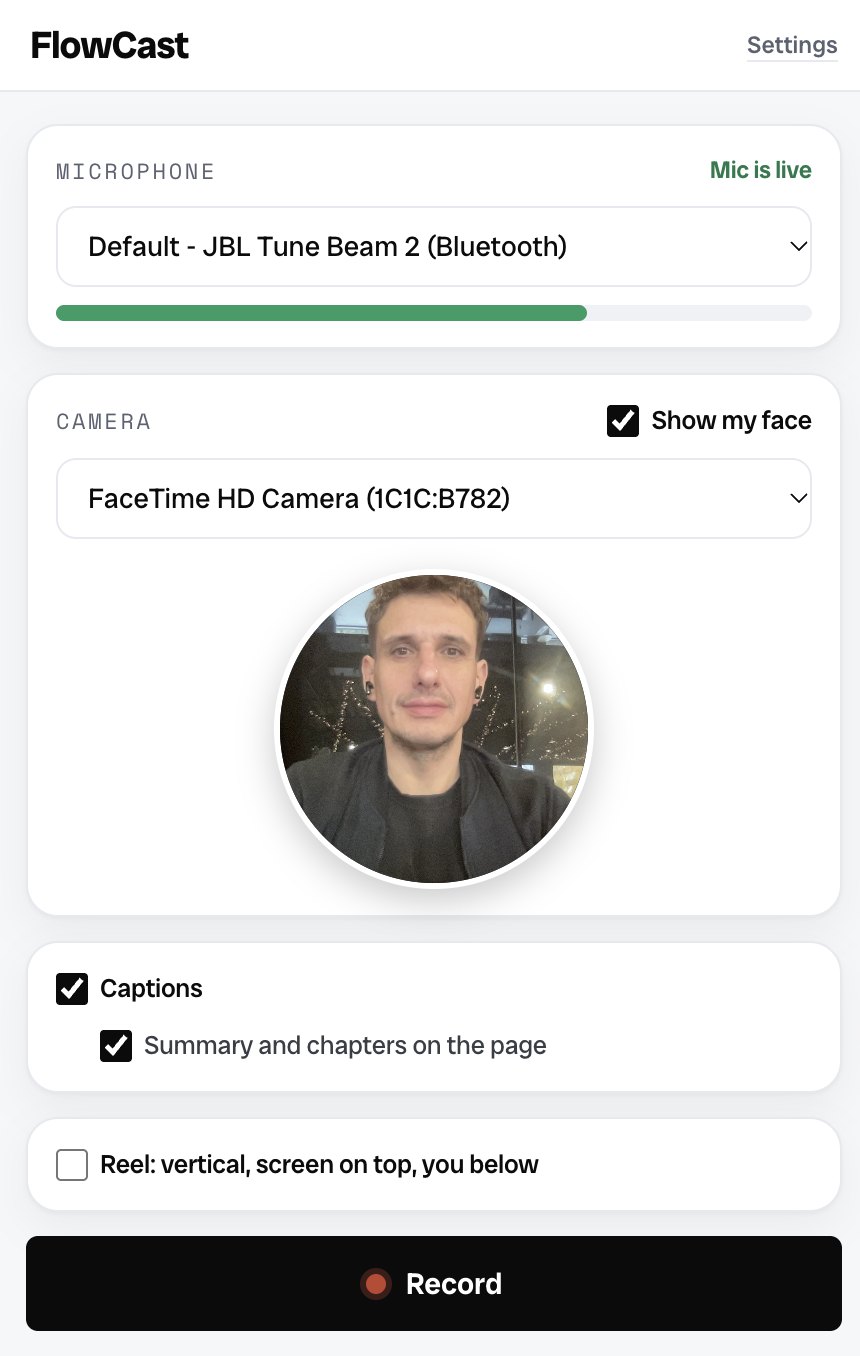
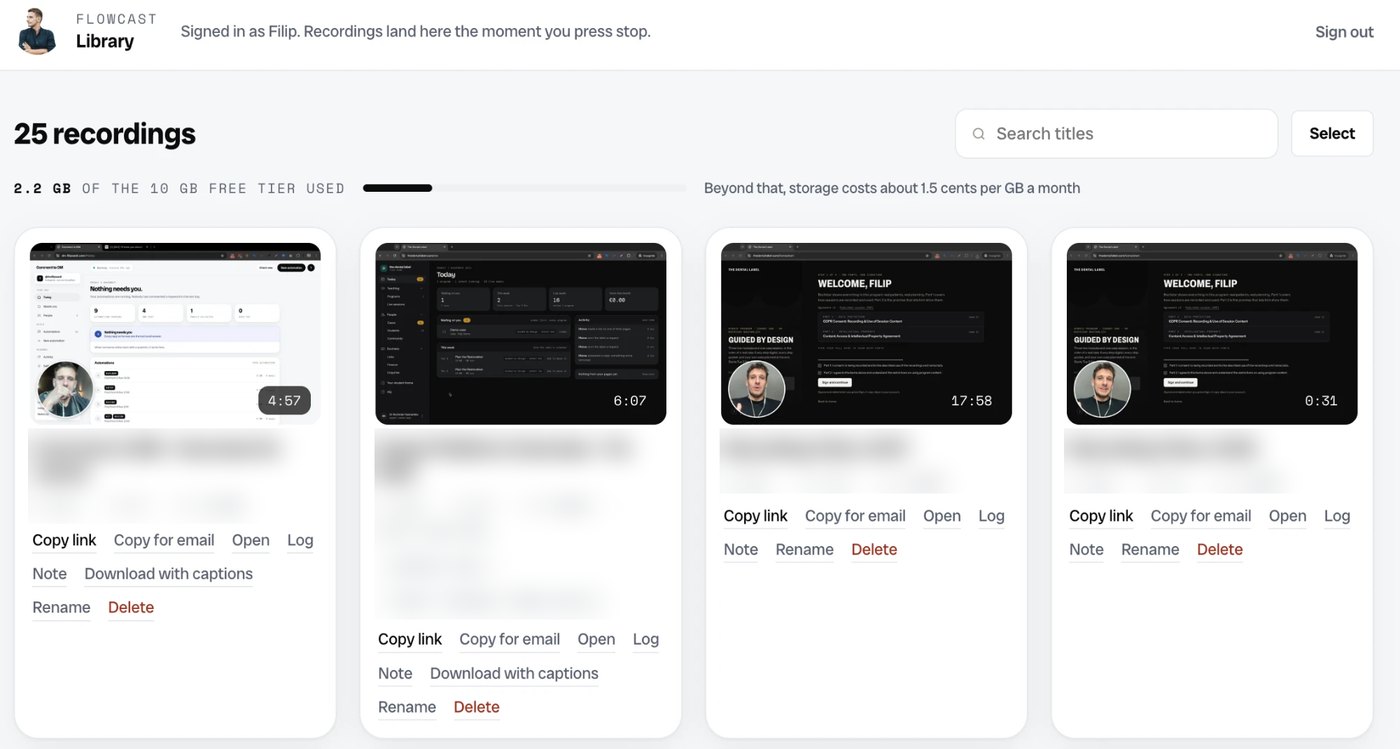
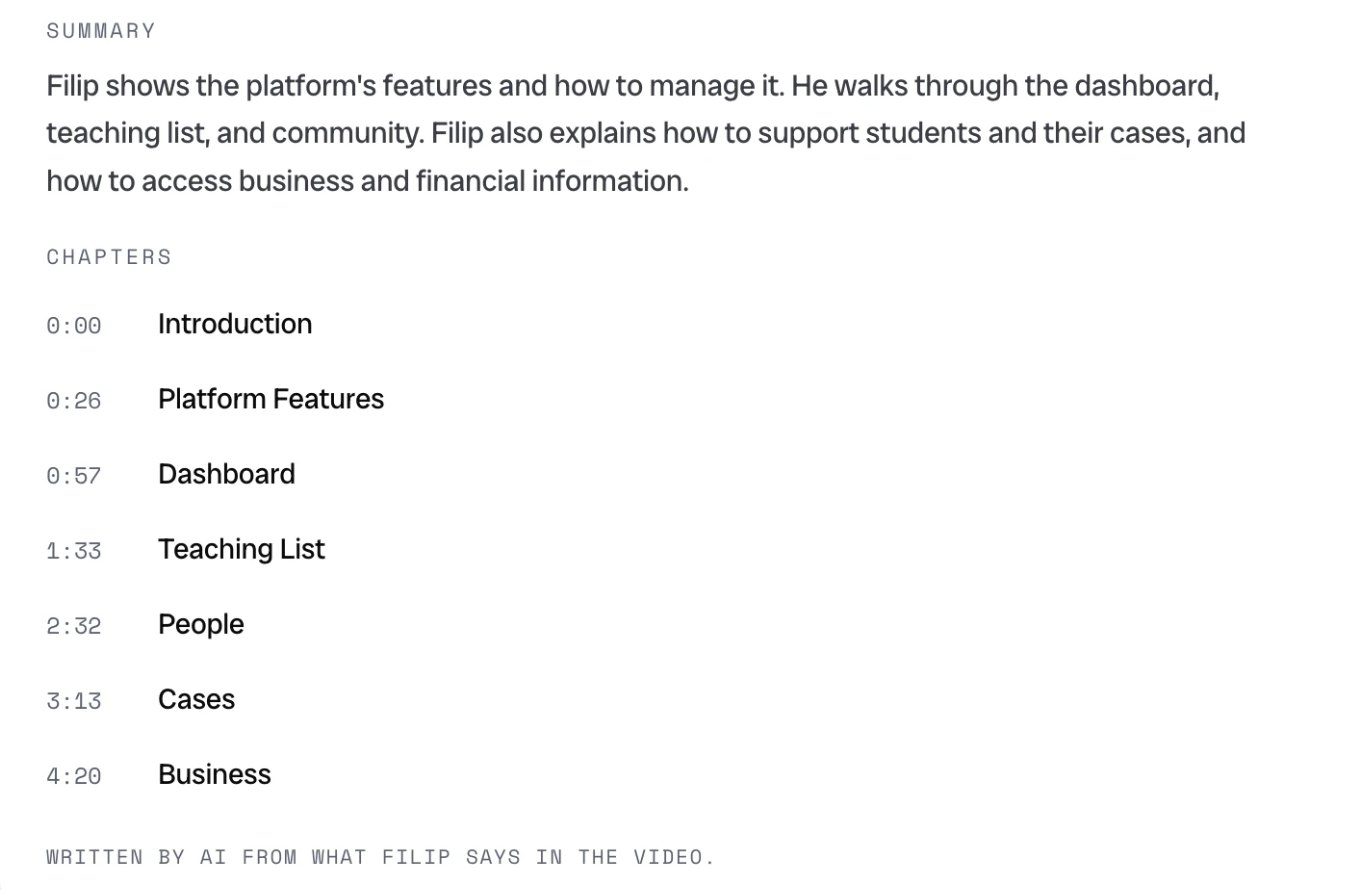
Give it to your Claude and build it one step at a time. The other seven tools are below.
Get the instructions
No sign-up. Each file works on its own: give it to Claude, ChatGPT or whichever AI you build with.
Before you build anything
Just because you can build it doesn't mean you should. I only start building something when it:
- solves a problem I already have,
- helps someone on my team, or
- replaces something I'm paying for.
If none of the three is a yes, keep the tool you have. Every file opens with this check.
The eight files
- FlowCast Records your screen and face, the link is on your clipboard when you stop. Replaces Loom.
- Media Catalogue Indexes a folder of footage, tags every shot, cuts loops and Reels windows you approve. Replaces sorting footage by hand.
- Comment to DM A keyword comment gets a DM with the link, the email lands in your email tool. Replaces ManyChat.
- Claude Video Editor Drop clips in a folder, tell Claude to edit, get the finished video and a check file. Replaces editing videos by hand.
- Claude IG Post Manager Carousels built in HTML, rendered, published from the terminal, stats read back. Replaces a scheduler like Later or Buffer.
- Claude Meta Ads Manager Meta ad reporting compared with your analytics and sales, in minutes. Replaces hours of reporting.
- FlowOut Research and dossiers before you reach out, emails drafted, you press send. Replaces Apollo, Clay and a researcher.
- Substack to Website Every letter becomes a page on your own site, ready for search and AI. Replaces copying letters by hand.
The zip above has all eight, plus a start-here file.
How to use one
- Open Claude, ChatGPT or whichever AI you build with.
- Attach the file for the tool you want, or paste it in.
- Say: Walk me through this one step at a time. Ask me what you need to know about my business first.
Start on your own computer. Getting something to run there is very different from having a tool you can rely on in your business, so put it online only once you use it every week and know what breaks it.
Thinking of building something and want a second opinion before you start? Read 13 tools you should (not) build with AI, the letter these come from.
More Lab Skills
- Package Your Expertise for AI Clients Find what your clients can now do with AI, what still needs you, and three ways to package your expertise around it.
- The Virtual Expert Kit Decide what AI may say in your name, then test your own AI before your clients do: six client questions, one entry and one boundary in your words.